Images
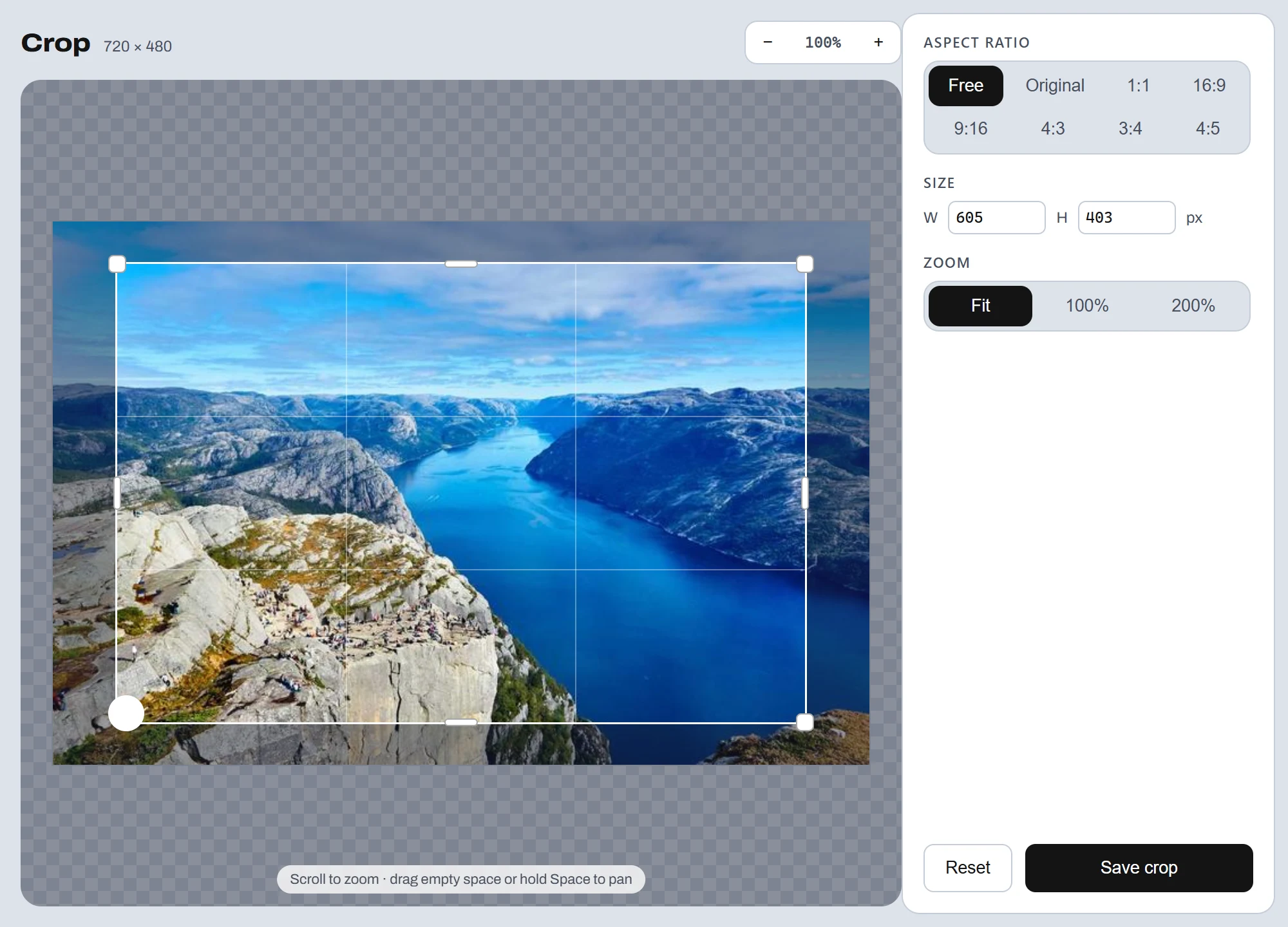
Free crop or locked ratios — 1:1, 16:9, 9:16, 4:3 and 3:4. Drag the frame.
- Free-hand or a locked ratio — 1:1, 16:9, 9:16, 4:3, 3:4
- Drag the frame; the crop lands beside the original
Tools
Pick an output — the original stays put.
Click a tool to try it below.
Images
Free crop or locked ratios — 1:1, 16:9, 9:16, 4:3 and 3:4. Drag the frame.
Images
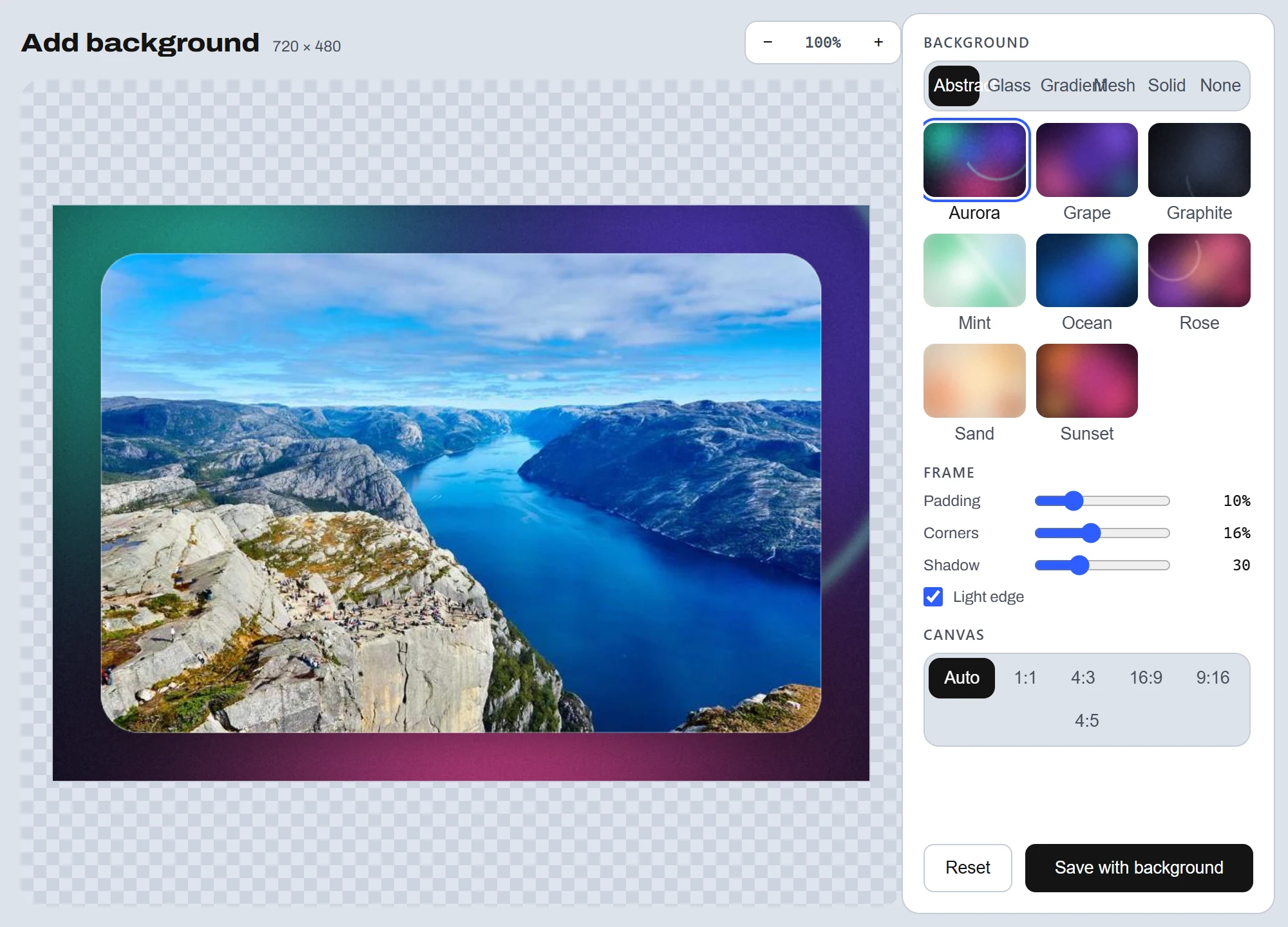
Place the image on an abstract wallpaper, glass, gradient, mesh or solid preset.
Images
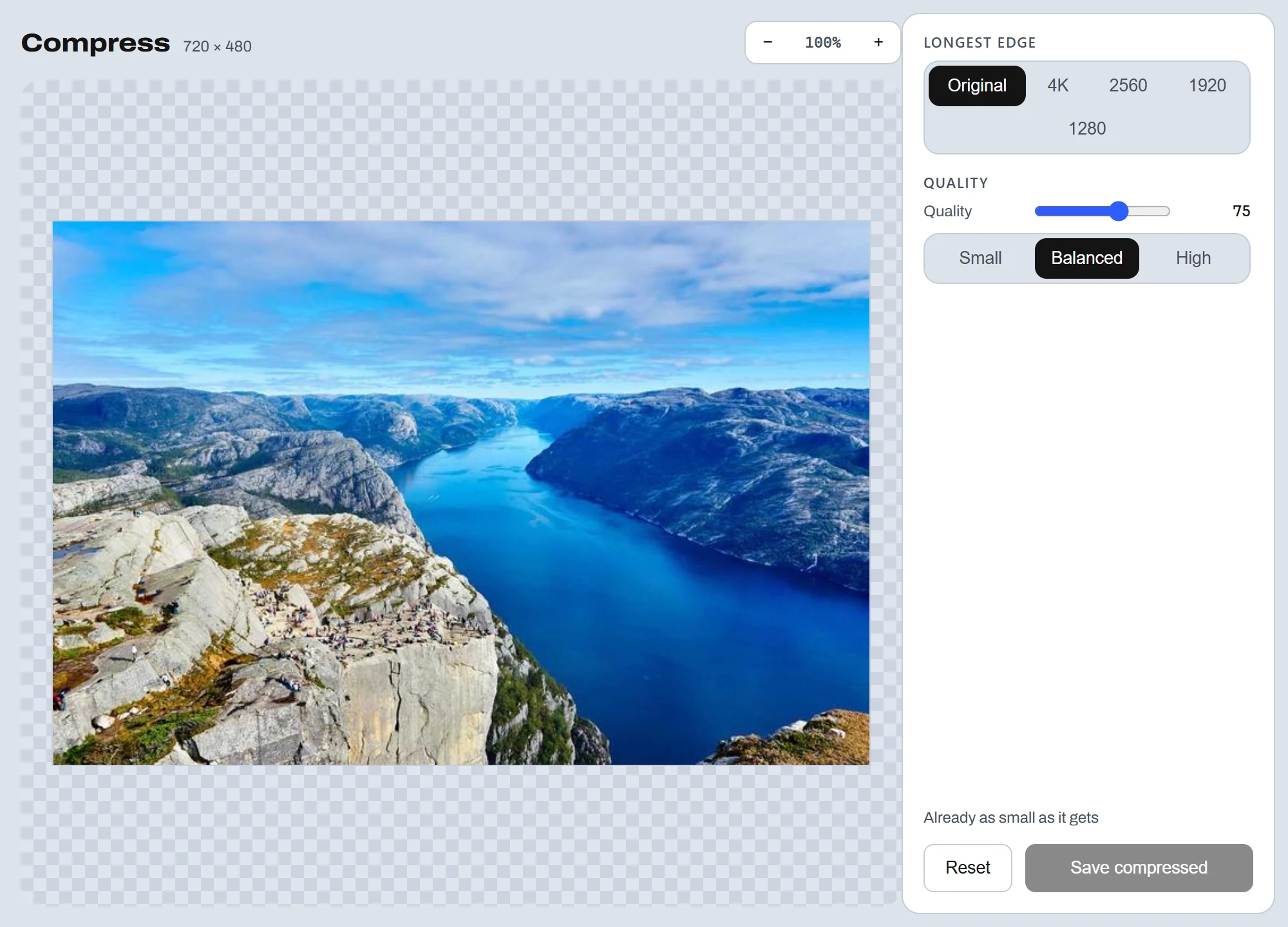
Shrink the file before you send it — see the new size first.
Images
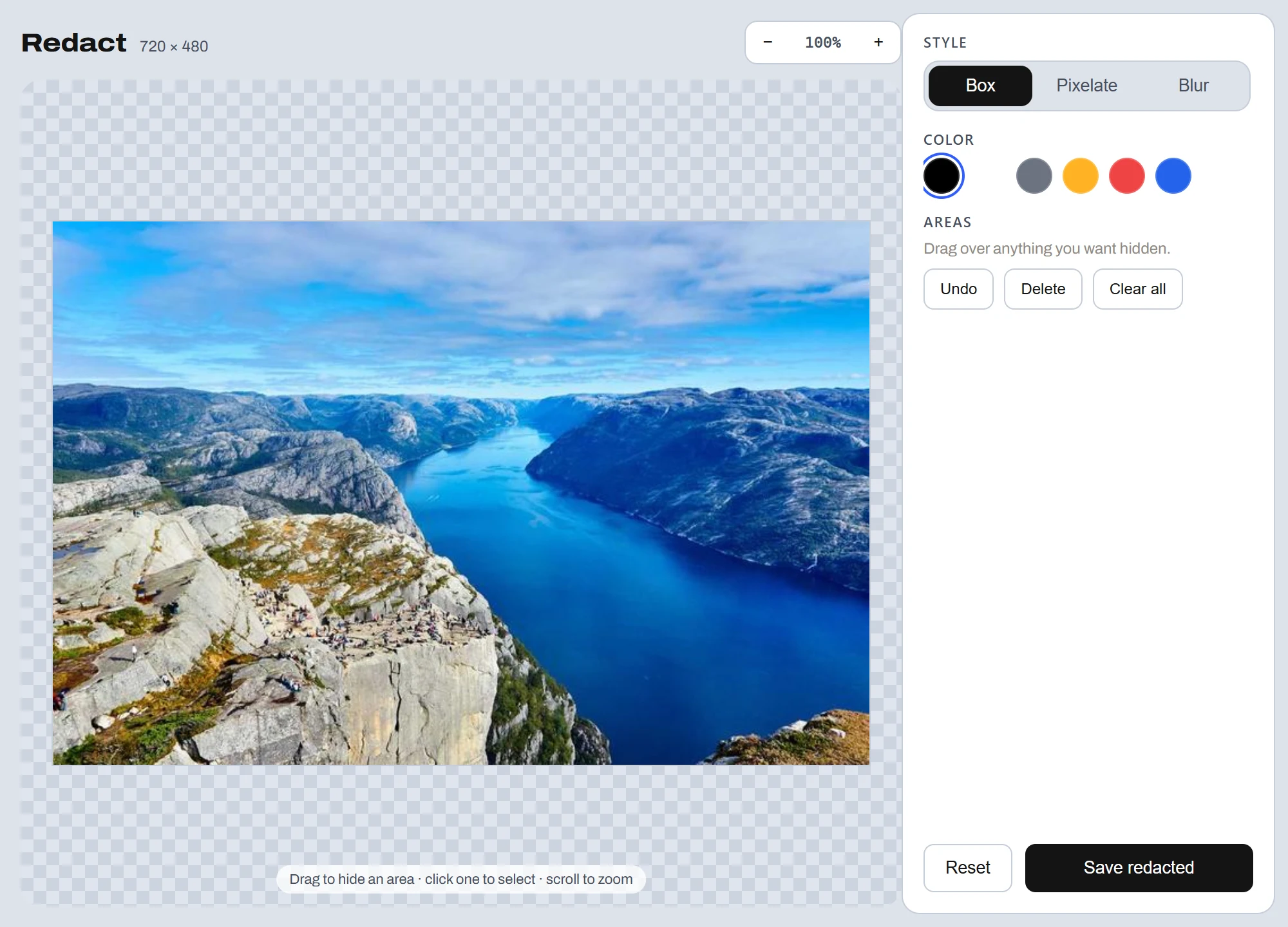
Drag boxes over names, emails and card numbers.
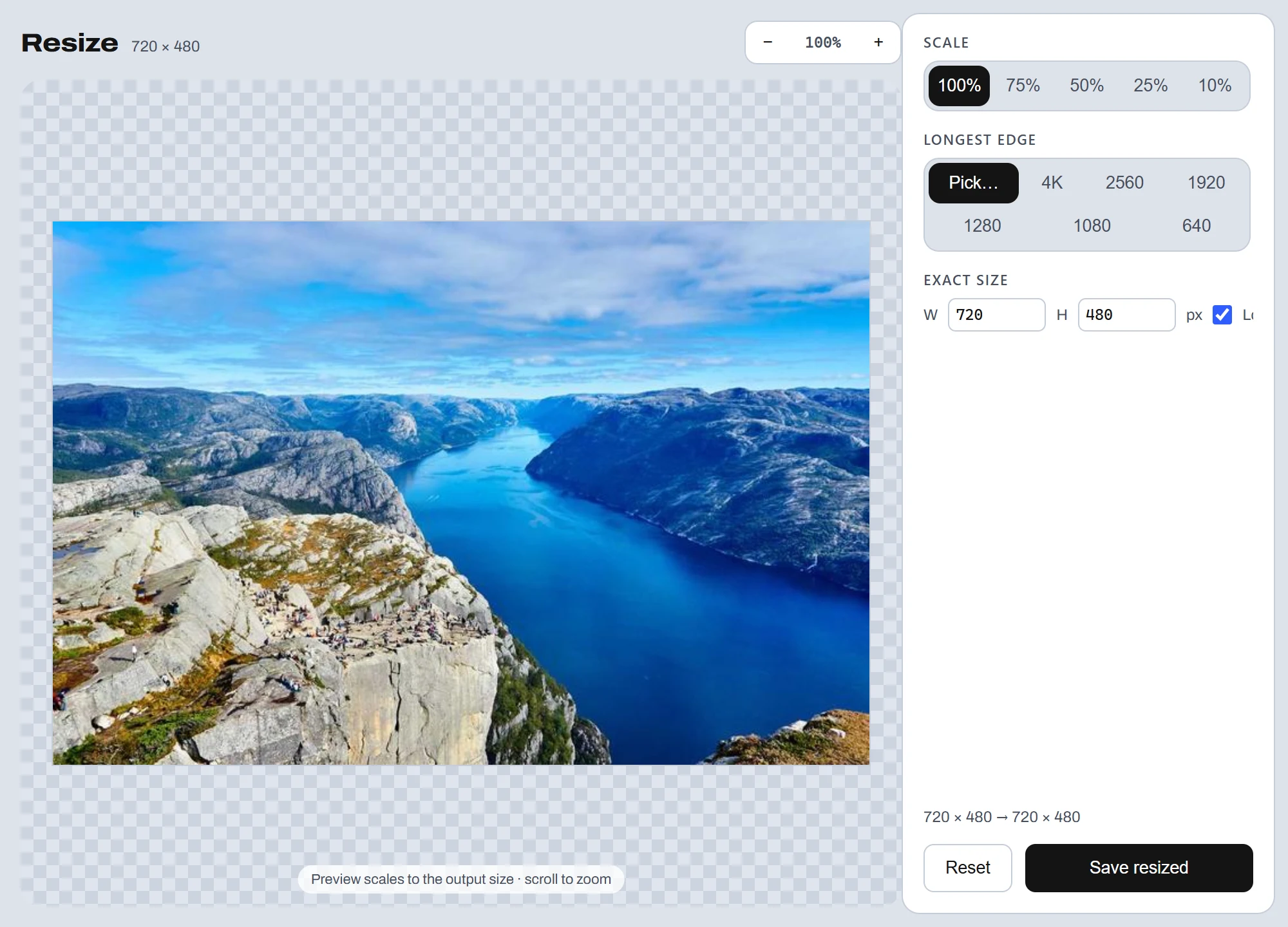
Images
Scale to 25%, 50% or 75%, or keep the full resolution.
Images
Strip EXIF location, camera and author data.
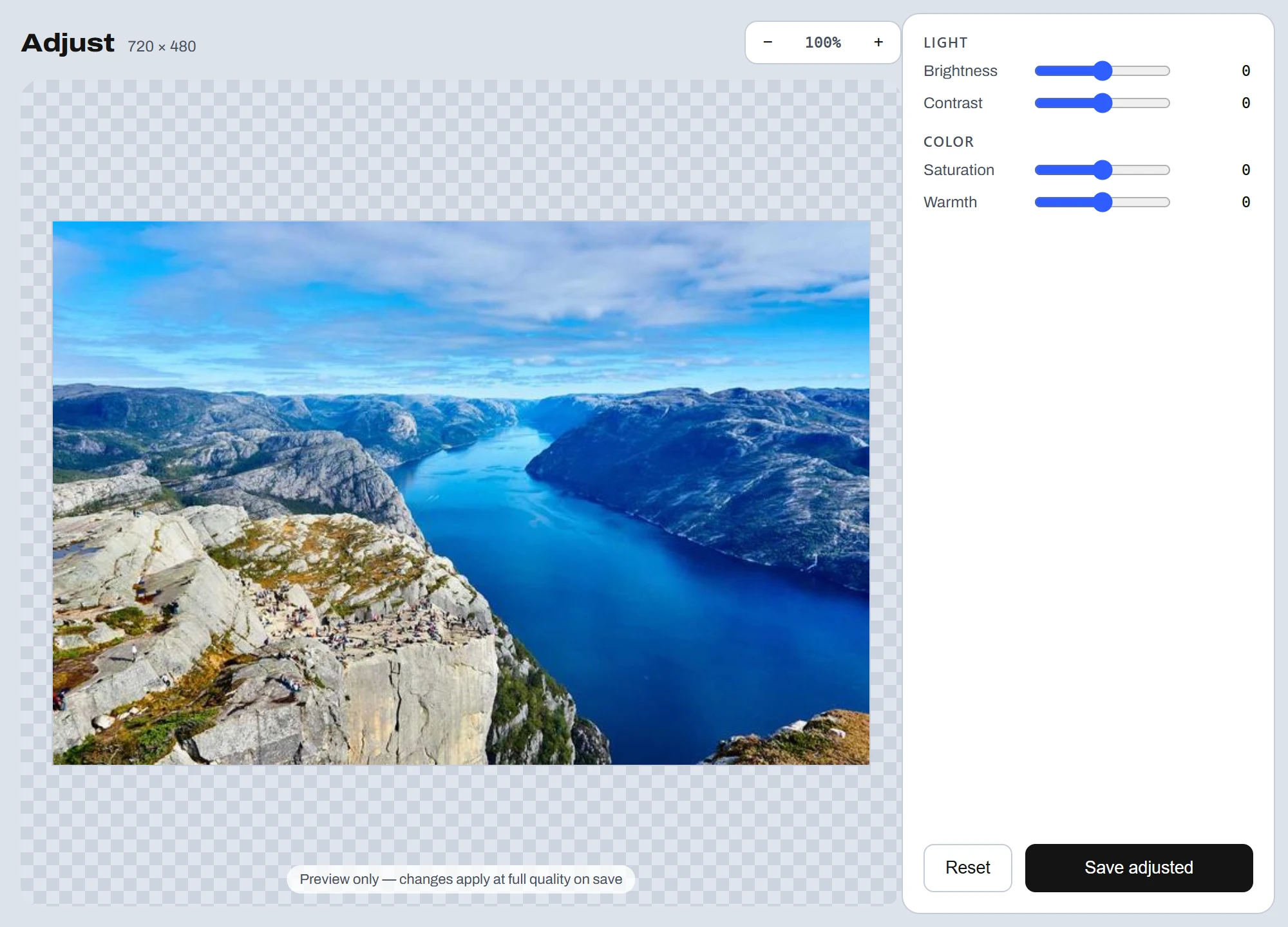
Images
Brightness, contrast, saturation and warmth — live while you slide.
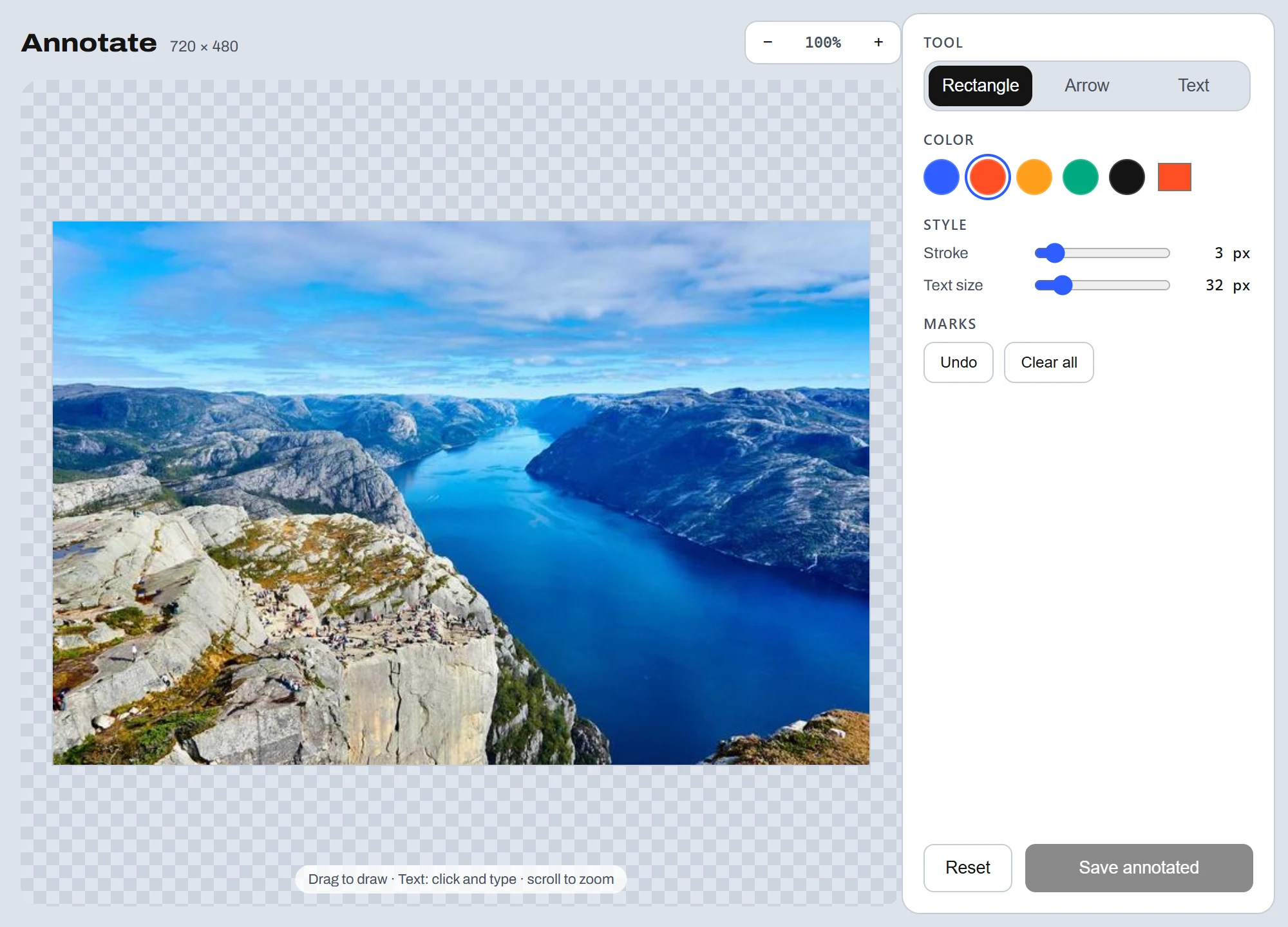
Images
Draw rectangles, arrows and text stamps before you share.

Images
Decode a QR code from an image — the text pops up instantly.
Images
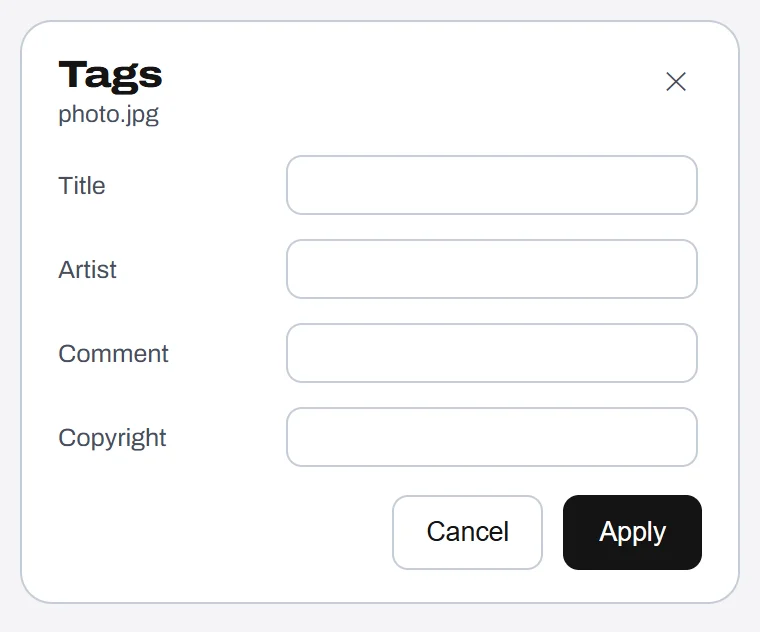
Write EXIF title, artist, comment and copyright fields.
Images
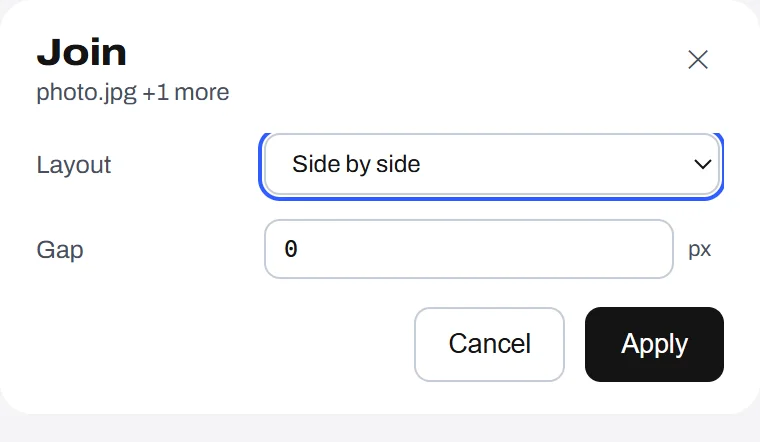
Drop two or more images — pick a layout, they fuse into one PNG.
Pick an output — the original stays put.
Click a tool to try it below.
Video
Drop the audio track and keep the video.
Video
Save the frame at the halfway point as a PNG.
Video
Strip title, encoder and GPS tags.
Video
H.264, up to 1920 wide and AAC 128k.
Video
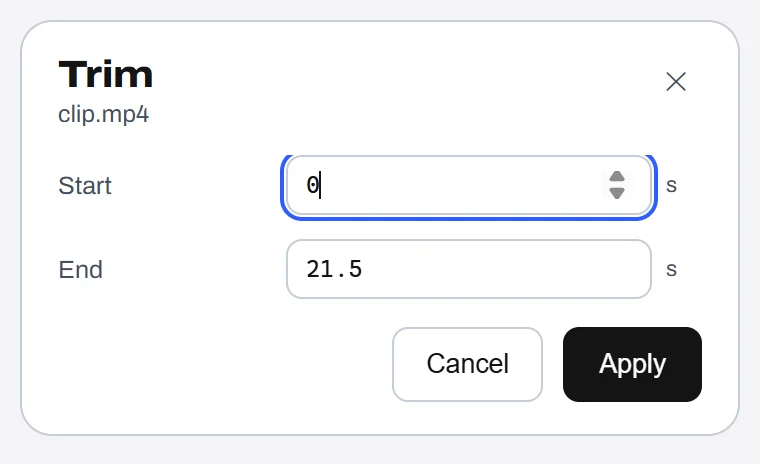
Set start and end in seconds — the end pre-fills to the clip's duration.
Video
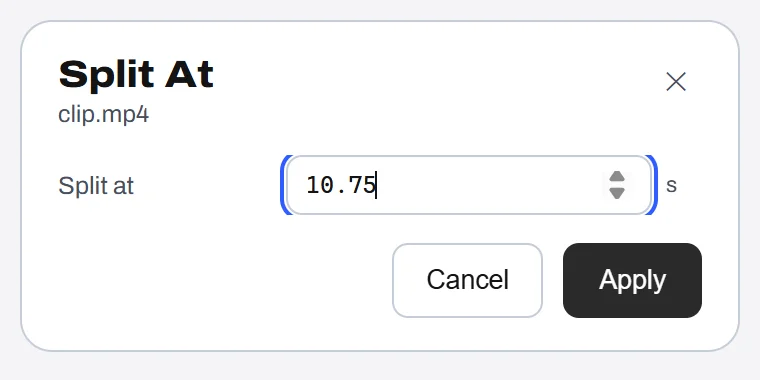
Type the cut point in seconds — two clips land beside the original.
Video
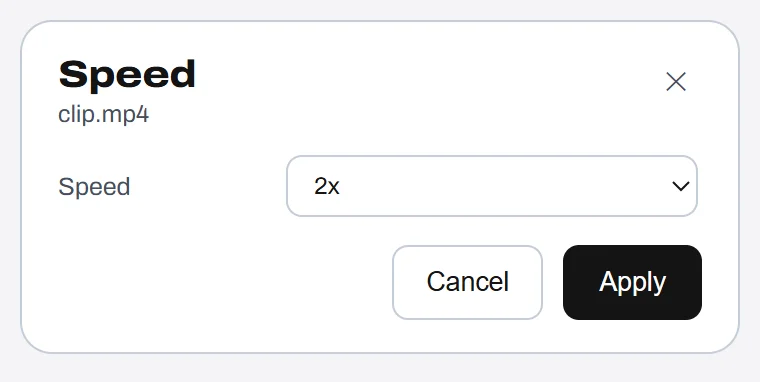
Retime 0.5×–4×; audio stays in sync at pitch.
Video
Drop several clips — they concatenate into one MP4.
Video
Write title, artist and comment metadata — onto a tagged copy.
Pick an output — the original stays put.
Click a tool to try it below.
Audio
Re-encode to a smaller MP3.
Audio
Clear artist, album and comment tags.
Audio
Bring loudness to −16 LUFS.

Audio
Render the waveform as a PNG.
Audio
Downmix stereo to mono.
Audio
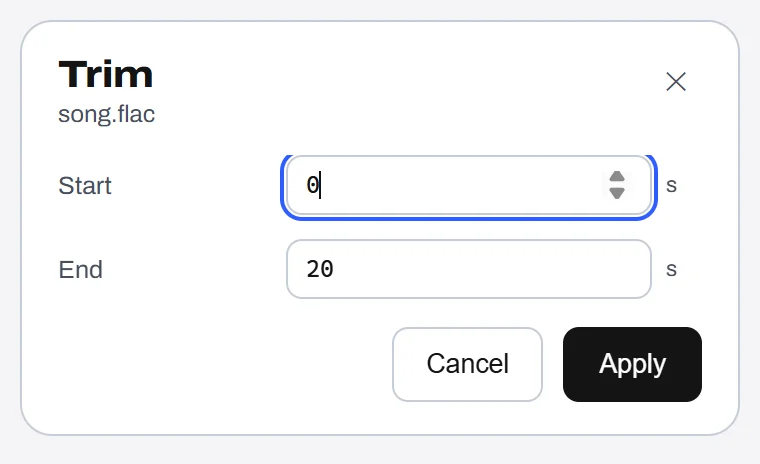
Keep a start-to-end span; the stream copy keeps the codec.
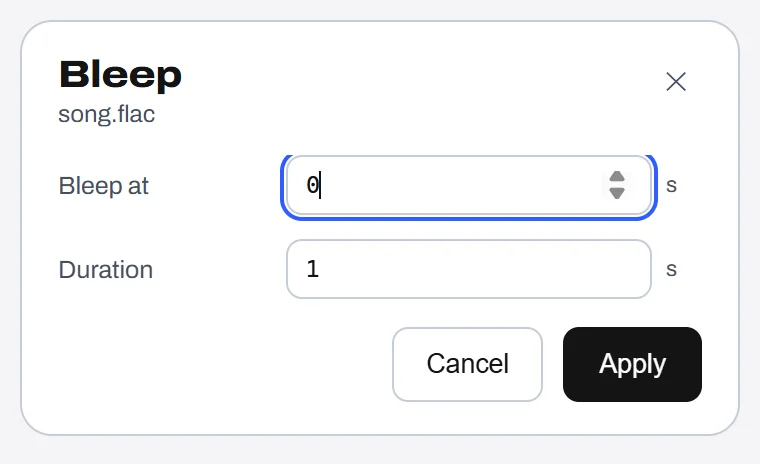
Audio
Type the moment and duration to silence — track length stays the same.
Audio
Write title, artist and comment tags — onto a tagged copy.
Pick an output — the original stays put.
Click a tool to try it below.
Save one PDF per page — vector content kept.
Stack two or more PDFs into one — named after the first file.
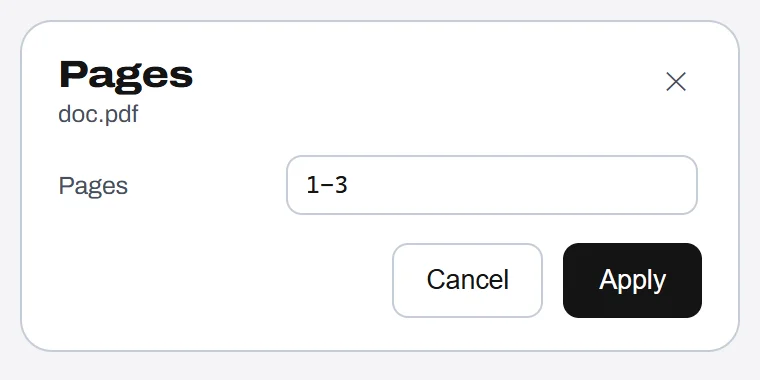
Pick a range like 1-3,5; order and duplicates are kept.
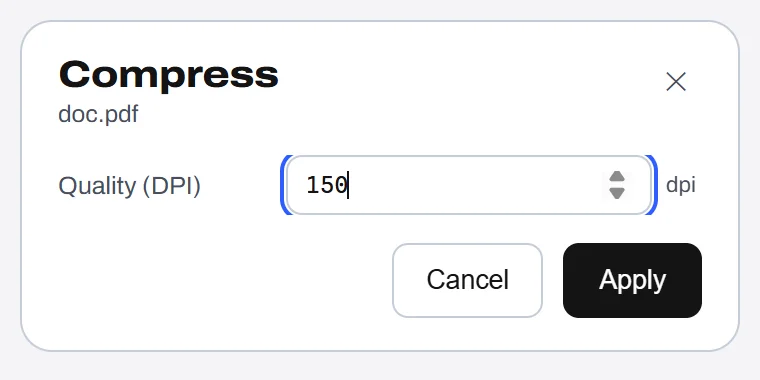
Rasterize every page to JPEG at 72–300 DPI, then rebuild the PDF.
Pick an output — the original stays put.
Click a tool to try it below.
Archives
Unpack into a folder beside the archive. Path-safe, 1 GiB cap.
Works on any file or folder.
File actions
Put the file itself on the clipboard.
File actions
Copy the full Windows path as text.
File actions
Send the file to a folder you pick.
File actions
Keep the original, drop a copy in a folder.
File actions
Open Windows Terminal in the file's folder.
File actions
Reveal the file in Explorer.
$1.99 once · lifetime license · up to 3 PCs · nothing is uploaded.